
Frequently asked questions
The site and its sections, booking requests, contacting the host, cancellation, reviews, publishing a listing, buying and selling a property, your account: answers to the questions we are asked most often.
bledbmb at a glance
What is bledbmb?
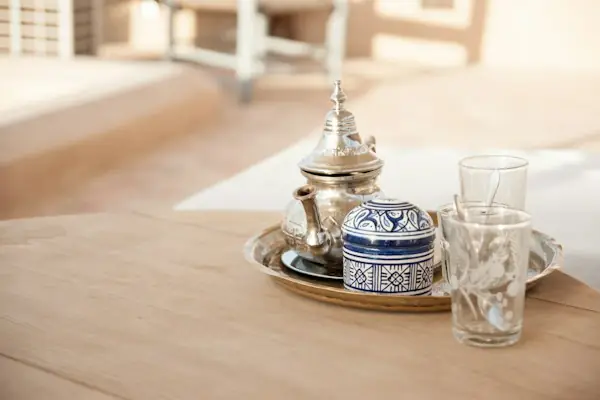
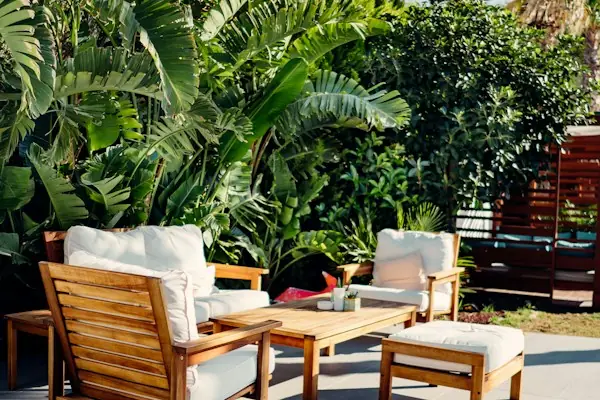
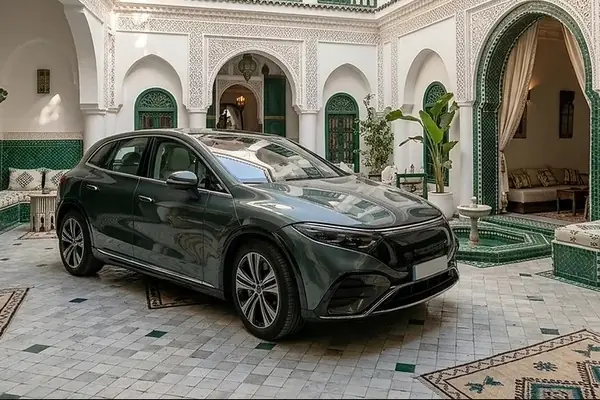
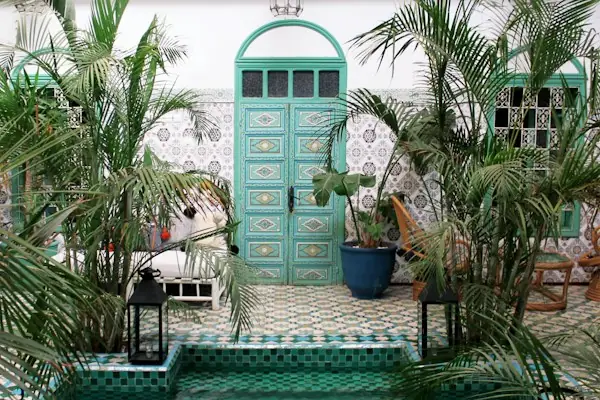
bledbmb is a general classifieds site for Morocco, organised in four sections: Real estate (places to rent for a stay, property for sale), Vehicles (to rent or to buy), Marketplace (items for the home and everyday life) and Experiences (good addresses shared by the community).
Listings are posted by verified individuals and professionals. bledbmb does not rent out or sell anything itself: it puts them in touch with the people who are interested.
Who am I dealing with?
With the advertiser: they set their terms and availability, and you agree directly with them. Once your request is accepted, you arrange everything directly between you.
bledbmb gives you a platform designed to limit risks: automatic checks on listings and messages, alerts as soon as a sign of a scam appears, badges earned through real activity, and your reports, which let us block doubtful listings and profiles. bledbmb cannot guarantee that every advertiser or buyer is reliable: stay alert and report any doubt.
Travelers
How do I book a place?
Enter a destination, your dates and the number of guests on the home page, or browse the map and filters (price, type of place, setting). On the listing, pick your dates: the total price is shown with the breakdown of nights, any cleaning fee and discounts.
Then click “Send a request” (you need to be signed in). The request comes with no commitment, and your dates are held while you wait for the reply. There is no set deadline: the request stays open until the host accepts or declines it, and you are notified by email. You can withdraw it at any time; if it is still unanswered on the arrival date, it expires and the dates are released. To know what to expect, each listing shows how responsive the host is: their average response time, the share of requests they answer and whether they are active on the site.
Once the request is accepted, the booking is confirmed: you get the exact address, the ways to reach the host (their number if they chose to share it) and access to messaging to arrange your arrival.
When do I get the host's phone number?
As soon as the host accepts your request, if they chose to share their number. That number, verified via WhatsApp, then appears on your booking page, with buttons to call them, text them or message them on WhatsApp, depending on the ways they accept and starting with the one they prefer. The host gets your number too if it has been verified.
Before the request is accepted, no number is shared, on the listing or anywhere else. A host who prefers not to share their number can still be reached through bledbmb messaging, which opens with every accepted booking.
Can I cancel my request or my booking?
Yes, from your booking page, as long as the stay has not ended: a request still waiting for a reply as well as an accepted booking. The host is notified and the dates are released.
Let the host know as early as possible too, by phone or through messaging.
When will I get the exact address?
To protect hosts, the exact address is never shown on the listing. It appears on your booking page as soon as the host has accepted your request, together with the arrival instructions (access code, floor, key handover…).
How do I contact my host?
As soon as the host has accepted your request, the booking page shows the ways they accept: a call, SMS or WhatsApp on their verified number, or messaging only if they prefer not to share their number. bledbmb messaging opens in every case: use “Message the host” on the booking page, or the Messages tab. You can keep writing after the stay, with no time limit. Each new message is announced by email.
What if the place does not match the listing?
Talk to the host first, by phone or through messaging. If the problem remains (place inaccessible, very different from the listing or fake), use “Report this listing” Your reports help block doubtful listings and profiles. bledbmb is not a party to the rental and cannot step in on site.
This is why you should always talk with the host and check the listing before committing.
How do reviews work?
Only travelers who have stayed can leave a review. After the stay, you have 14 days to rate the place and the host from 1 to 5 stars, with an optional comment. The host also rates their guest.
Neither side sees the other's review before leaving their own: reviews are published once both are in, or at the latest 14 days after the stay ends. Once sent, they can no longer be edited. You can also share points to improve, passed on privately.
How do I save a listing for later?
Tap the heart on a listing to add it to your favorites (you need to be signed in). You will find them on the Favorites page.
How do I report a suspicious listing?
Use “Report this listing” on the listing once signed in, and choose the reason (fake listing, scam attempt, misleading photos…). Reports are confidential. A listing reported by several members is automatically taken off the site, pending a check.
Hosts
How do I become a host?
Your account is used both to travel and to rent out. Once signed in, choose “Become a host” in the menu, accept the terms for hosts, then create your listing: apartment, house, riad or villa. You must own the property, or be authorized by its owner to rent it out, and be 18 or older.
What do I need to publish a listing?
A listing goes online once everything is complete: a title, a nightly price and a city; your phone number (once, on your account, with no identity document); the exact address of the place, never shown on the listing; at least 3 photos (5 at most), the first one being the cover.
Some municipalities also require a registration number. Whatever is still missing is listed on your listing, item by item.
Why is my listing “Under review”?
An automatic check flags risky listings: a phone number, email or link in the text, a photo already used by another host… The listing is then taken off the site pending a check. If contact details are the cause, remove them and publish again: if you chose to share your number, it is given automatically to the traveler whose request you accept, otherwise they write to you through messaging. This protects hosts and travelers.
How do I answer a booking request?
You are notified by email of each new request. Accept or decline it from the booking page as soon as you can: there is no set deadline, but your average response time and the share of requests you answer are shown on your listings, and an unanswered request counts for all the time it waits. Without a reply by the arrival date, it expires and the dates are released.
If you accept, the booking is confirmed and the traveler is notified. You get their number if it has been verified, and messaging opens: agree together on the arrival and the stay.
How do I avoid double bookings with my other sites?
In your listing's calendar, paste the iCal address of your other site (Booking, Vrbo/Abritel, Google Calendar, Outlook, iCloud): its bookings automatically block your dates on bledbmb. An export address lets you do the reverse on your other sites. You can also block or free dates by hand.
Can I cancel a booking as a host?
Yes, from the booking page, before the stay ends. The traveler is notified and the dates become available again in your calendar. Let them know as early as possible, by phone or through messaging. For a request you have not accepted yet, simply decline it.
How many listings can I publish?
Until a stay has been completed on your account, you can have 5 listings online. You will be able to publish more after your first completed stay.
Can I rate my guests?
Yes. After each stay, you have 14 days to review your guest. The review appears on their public profile, which only shows their first name, the year they joined and hosts' reviews: it helps other hosts welcome guests with confidence.
How do I take my listing down?
You can unpublish it at any time: it is no longer visible, and you can put it back online whenever you like. Permanent deletion is only possible if the listing has no bookings.
Buying or selling a property
How do I find a property for sale?
Open the “For sale” tab at the top of the page (or in the bottom bar on a phone). Choose a place (city or region), the type of property and your budget. Each listing shows the photos, the surface area, the rooms and the legal status declared by the owner (land title, melkia…).
How do I contact an owner?
Sign in, then go to “Contact the owner” on the listing. If the owner has chosen to share their number, click “Show the number”: it appears with the ways the owner accepts (call, SMS, WhatsApp), starting with the one they prefer. To protect owners from cold calls, the number of phone numbers shown is limited each day.
You can also “Write to the owner on bledbmb”, whether or not the number is shown: the owner receives your message by email, with your address so they can reply.
What precautions should I take before buying?
bledbmb publishes owners' listings, reachable by phone, but it takes no part in the sale and does not check property titles. Always visit the property, ask for the documents (land title, deed, plan…) and get a notary or an adoul to assist you before committing.
Report any suspicious listing with “Report this listing”: your reports help block doubtful listings and profiles.
How do I sell my property?
From the For sale page, choose “Sell my property”, accept the publishing terms, then create your listing: apartment, house, villa, riad, land, commercial premises or farm. You must own the property, or be mandated by its owner to sell it. The same account is used to travel, rent out and sell.
What do I need to publish a sale listing?
A title, the type of property, the place and the asking price; your phone number; at least 3 photos (5 at most). Do not put a phone number, email or link in the text: the listing would go under review.
In the form, you choose whether to share your number and how buyers reach you (call, SMS, WhatsApp), or whether you prefer to receive their messages. You can publish up to 20 sale listings.
My property is sold: what should I do?
In “My properties for sale”, choose “Mark as sold”: the listing stays visible with the “Sold” label but leaves the search, and your number is no longer shared. You can also move it back to draft or delete it.
Account and safety
How do I create an account?
Sign up with your email address and a password, or in one click with “Continue with Google”. The same account works for every section: booking, renting, buying, selling or posting a listing.
Which trust badges, and why no identity document?
bledbmb asks for no identity document. Trust relies on badges shown on listings and profiles: “Email verified”, “Phone verified” (WhatsApp code, or 2 members confirming they reached you), “Confirmed host” (at least 3 completed stays and 3 reviews, average rating of at least 4.5 out of 5) and “Confirmed seller” (at least 3 buyer reviews, same rating). A phone number is required to publish. It is never written on the listing, and you choose whether to share it, listing by listing: for a rental, with the traveler whose request you accept; for a sale, with signed-in members who ask for it.
These badges come on their own, from real activity on the site: they can be removed in case of fraud or a justified report.
How do I avoid scams?
Always talk with the host, by phone or through messaging, and check the listing (photos, reviews, “Confirmed host” and “Phone verified” badges) before committing.
See the home, vehicle or item in person before committing, and meet in a public place. An offer too good to be true, someone who can never show anything or who rushes you to decide: these are warning signs.
Be wary of any unusual request sent by message, especially a link to open or personal information to give. bledbmb will never ask for your codes or your password: a message claiming otherwise is a scam.
Report any suspicious request with “Report this listing”: your reports help block doubtful listings and profiles.
How do I delete my account?
From your account, choose “Delete my account”. Deletion is permanent: your name, date of birth, address, phone, favorites and all your Marketplace, Real estate and Vehicle listings are erased. Your reviews and the experiences you shared stay online to help others, under the name you choose (“Former member”, first name or initials), in grey and without a link to your profile. Past bookings are kept without your name.
It is not possible while a stay is upcoming or in progress.
Which languages is bledbmb available in?
The interface is available in French, English, Arabic, Amazigh (Tifinagh), Spanish, German, Italian and Dutch, with right-to-left layout for Arabic. Switch language with the selector at the top of the page.
How can I get help?
The bledbmb assistant, available on every page, answers your questions about the app; it has no access to your account. For anything else, use the Contact page or write to support@bledbmb.com: there is no live support, so a reply may take some time.
Didn't find your answer?
Write to us describing your question, and your booking if it is involved. There is no live support: a reply may take some time.